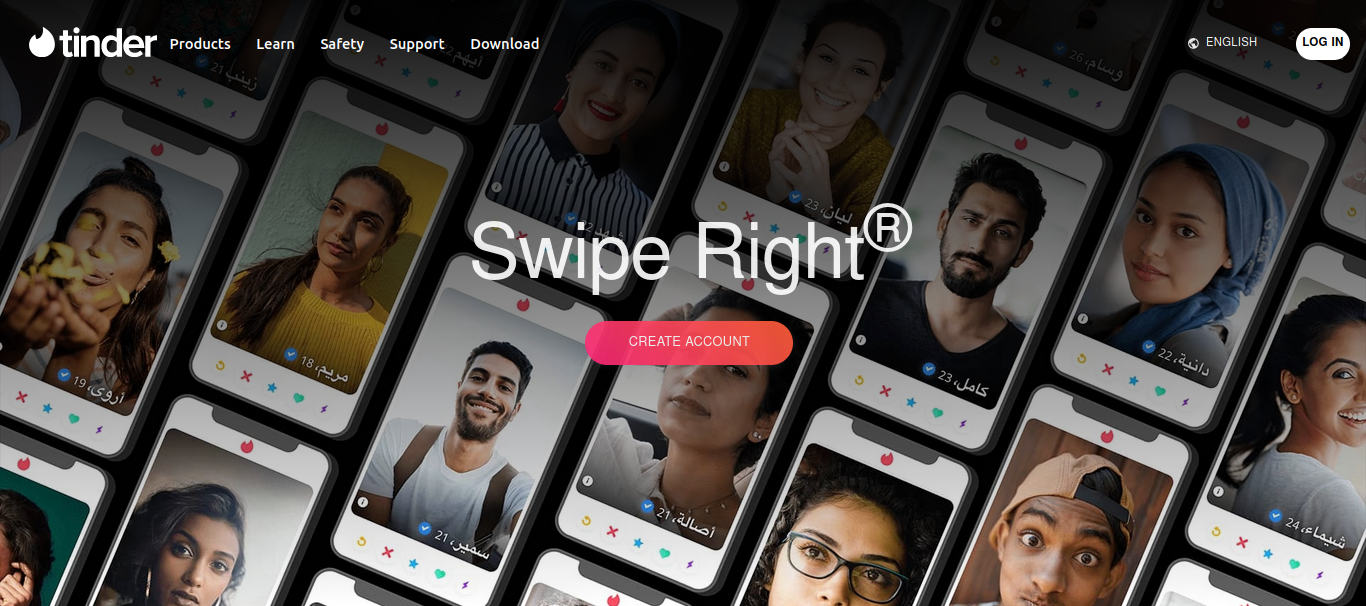
The Landing Page
You can visit brave-date.netlify.app to explore the landing page.
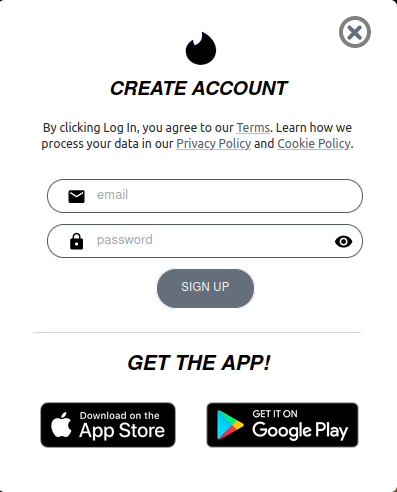
SignUp
Register a new account by providing an email address and a strong password.
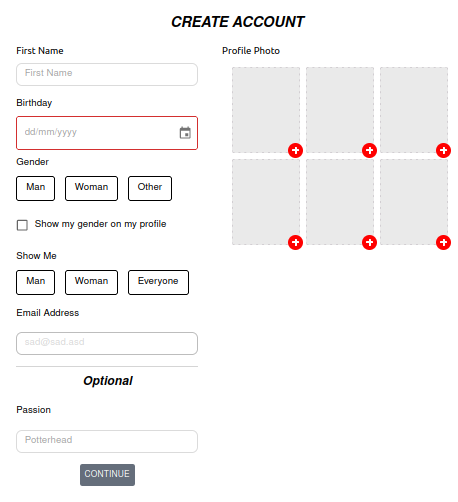
Navigate to the onboarding page by clicking on the sign up button: brave-date.netlify.app/app/onboarding
On a successful attempt, you will be redirected main page.
brave-date.netlify.app/app/recs
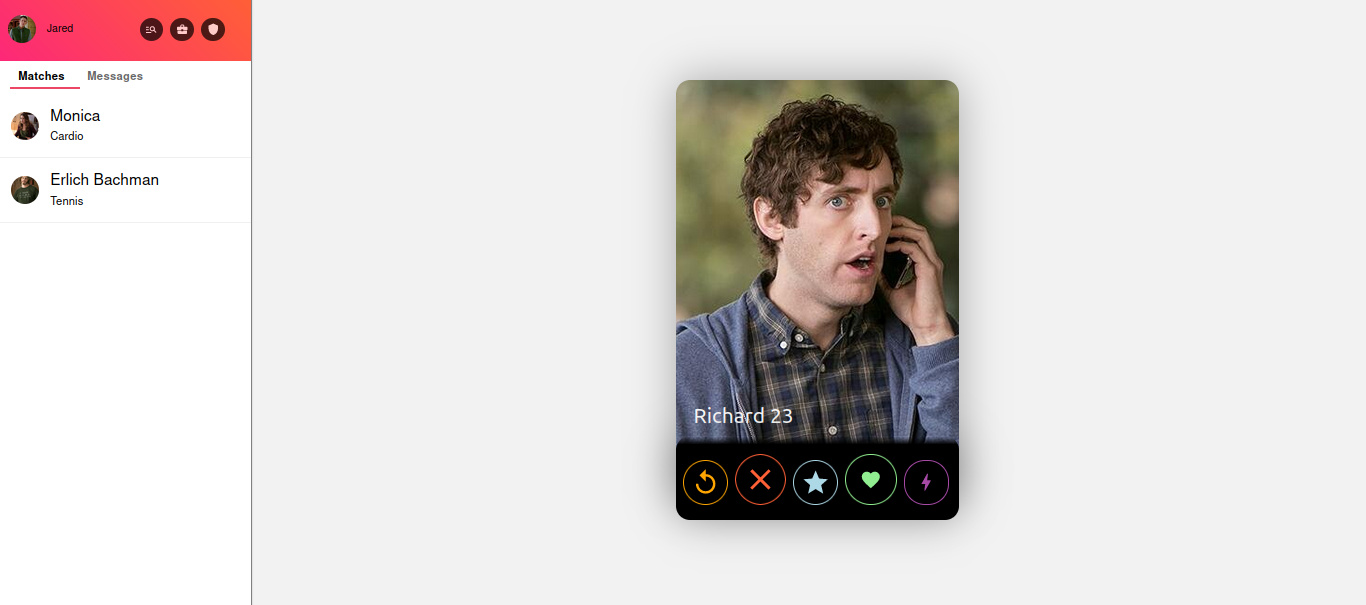
Matching
You can swipe to the right to add a user into your matches list.
To do so, Click on the
Heart
icon or drag the card to the right.
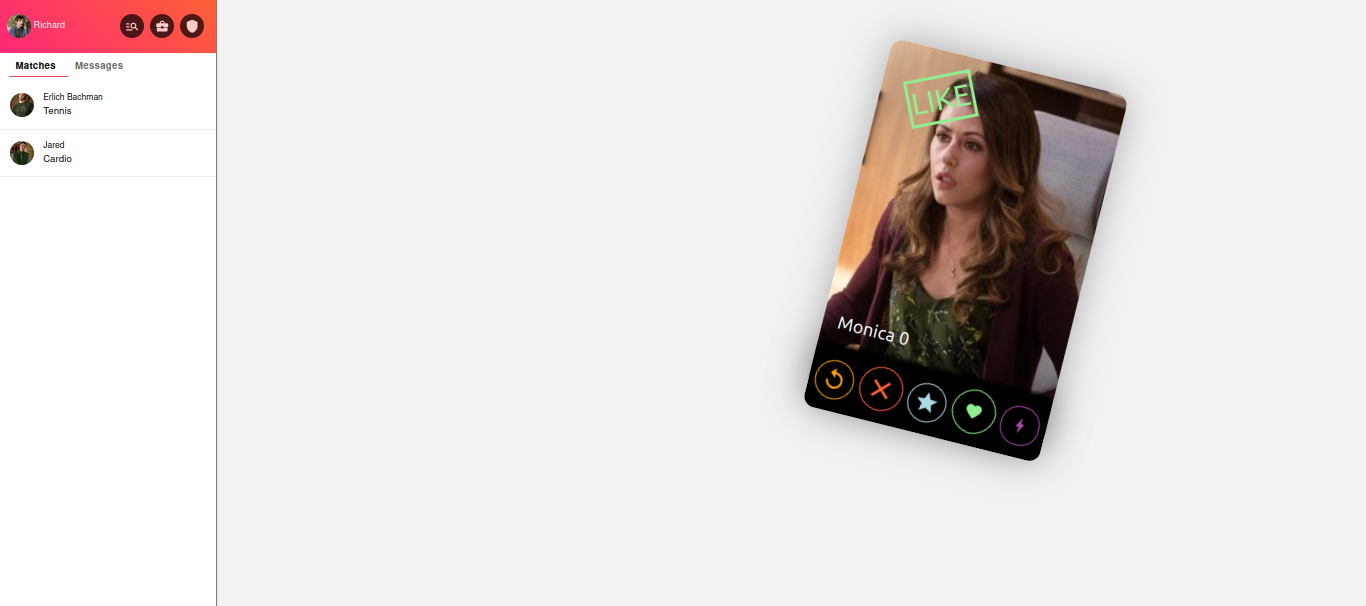
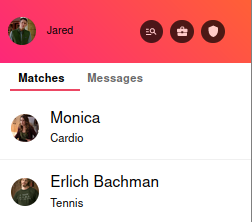
Once matched with a new user, a new avatar will appear under your matches list.
Chatting
Once matched, you can start sending messages by clicking on a match cell.
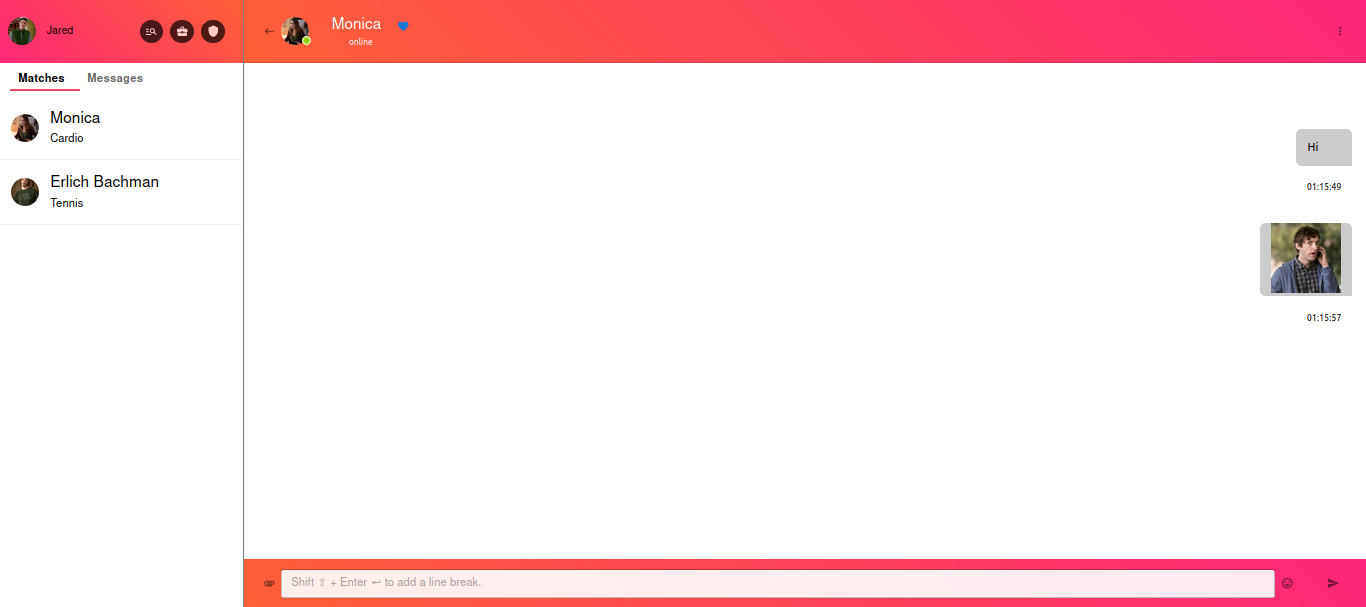
You can send images by clicking the bottom left icon of the chat footer.
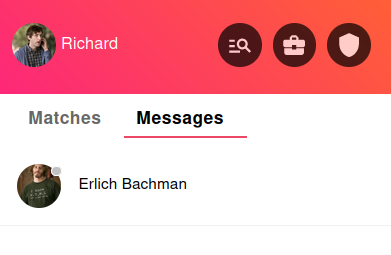
Once sent a message, the user avatar will appear under the messages tabs. This tab will contain all the users that you have been chatting with.
Profile Details
This app allows you to change your profile detail by clicking on the top left avatar on the screen.
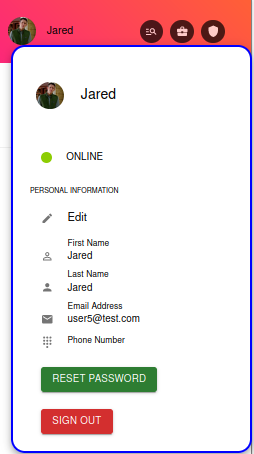
To change your personal information, click on the edit icon. A new popup will appear asking for new information.
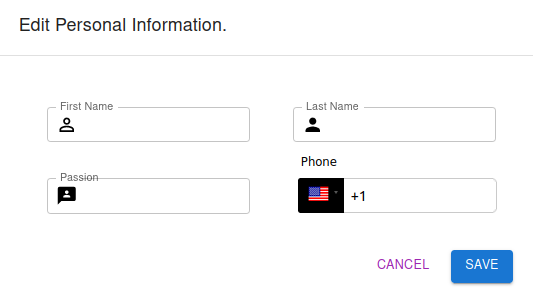
Once you click save, the new information will be rendered on the screen.
Chat
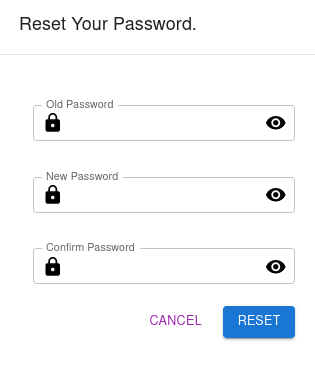
This app allows you to change your password by clicking on the reset password button.
A new popup will appear asking for old, new, and confirmed password.